Listen your way around the world.
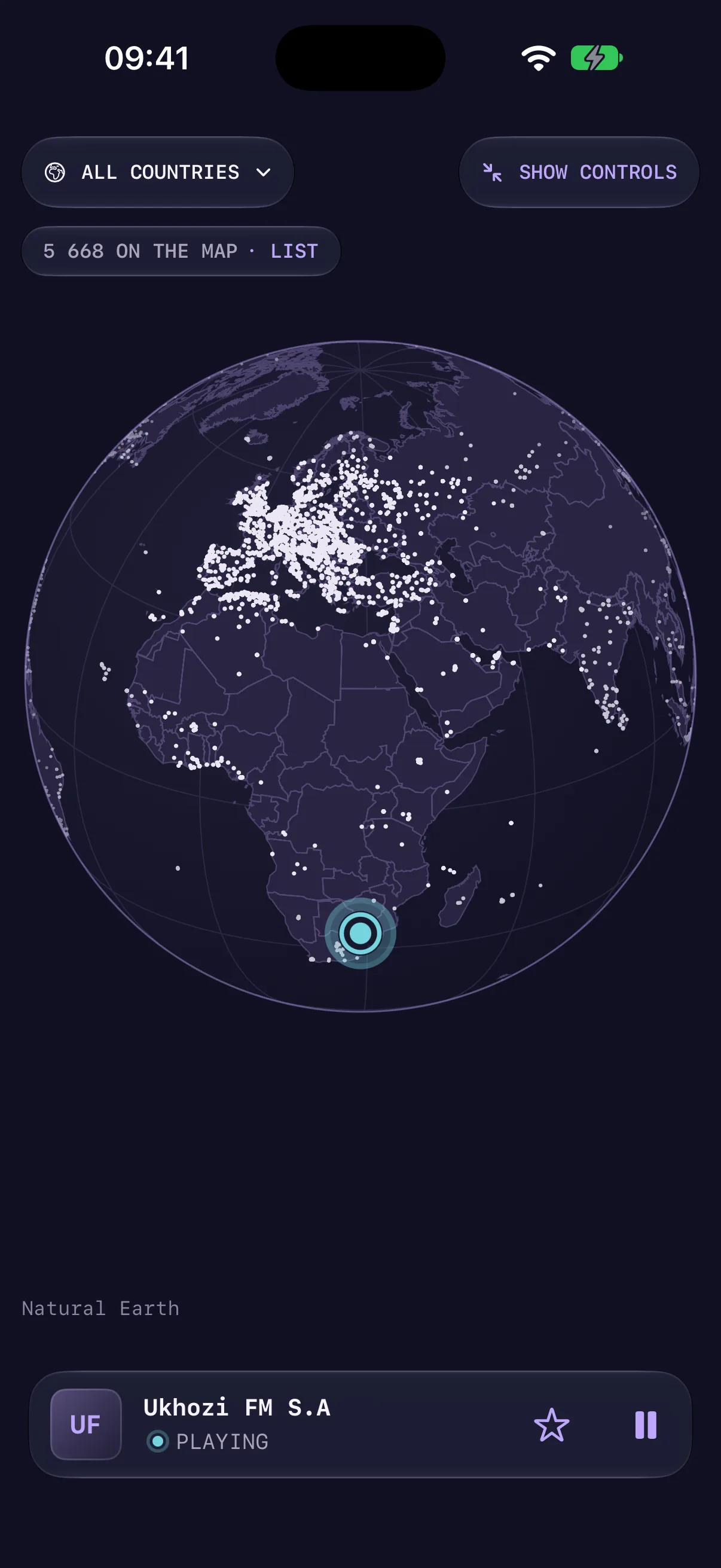
Spin the globe and tap a station to hear what’s on the air there. Choose another, and the globe carries you to it with a moment of static on the way.
FieldRADIO / Radio, without borders
Spin the globe and tune into somewhere new. Discover live radio by place, genre, or a little chance, then save the stations that stay with you.
A little closer
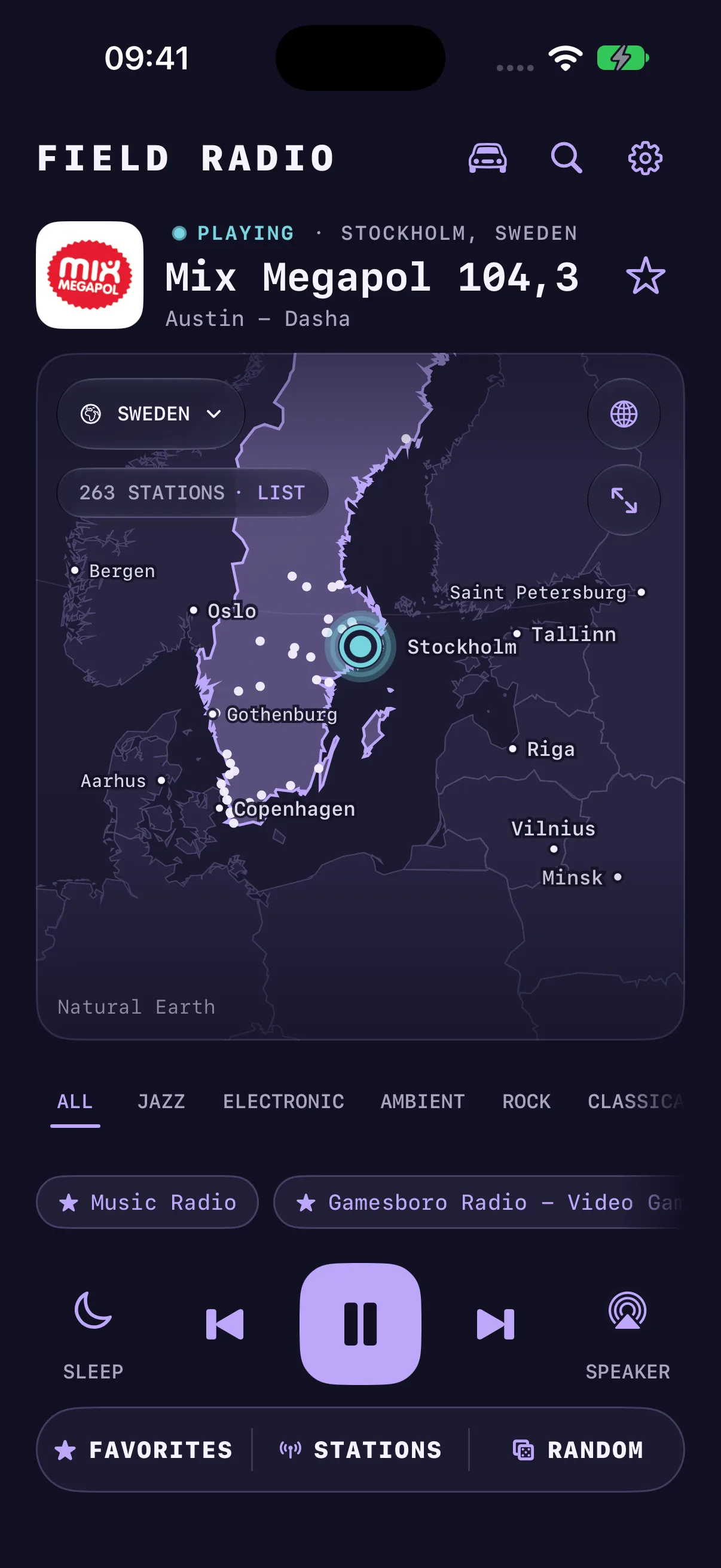
Spin the globe and tap a station to hear what’s on the air there. Choose another, and the globe carries you to it with a moment of static on the way.
Search by station, genre, or language. Or press Random and land somewhere new.
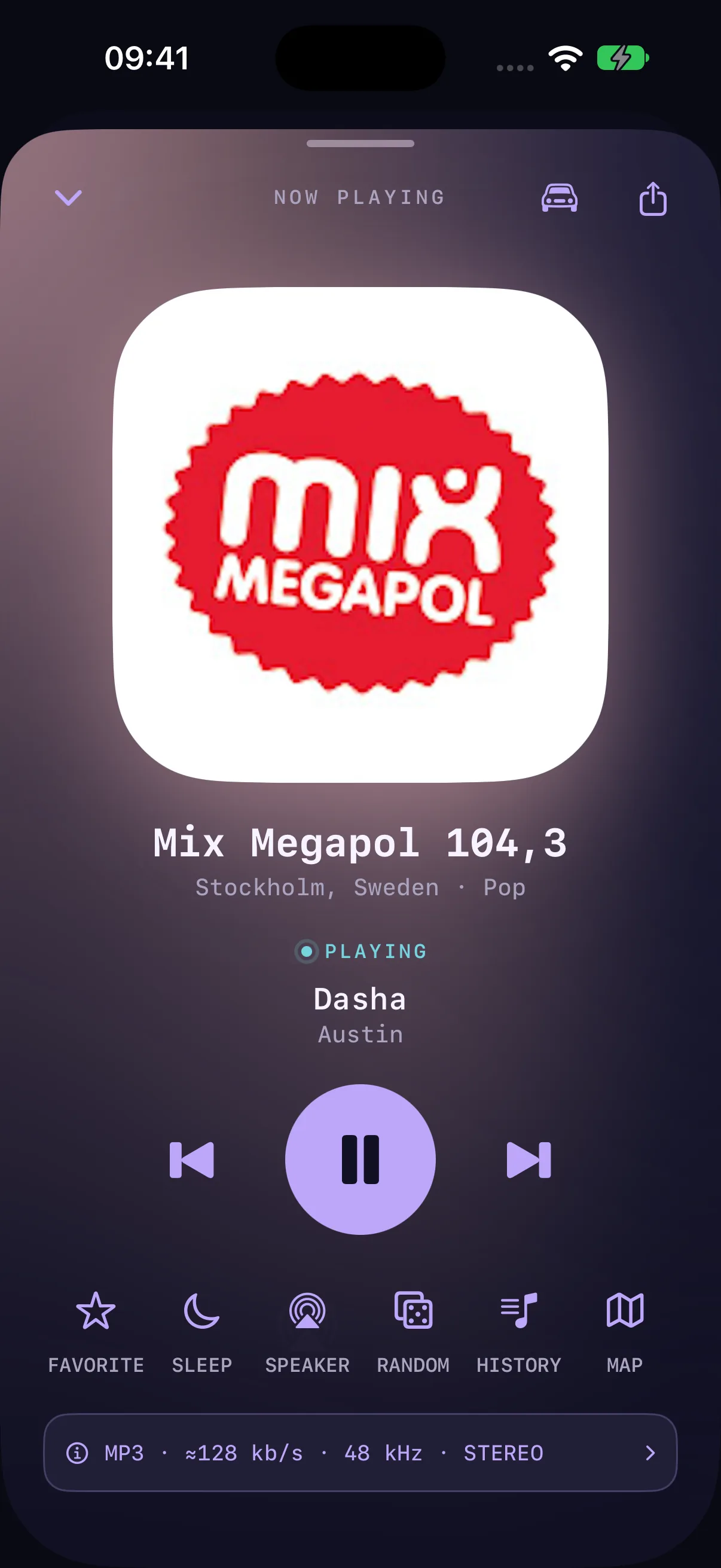
Save your favorite stations, step through them with Next and Previous, and settle in with a sleep timer.
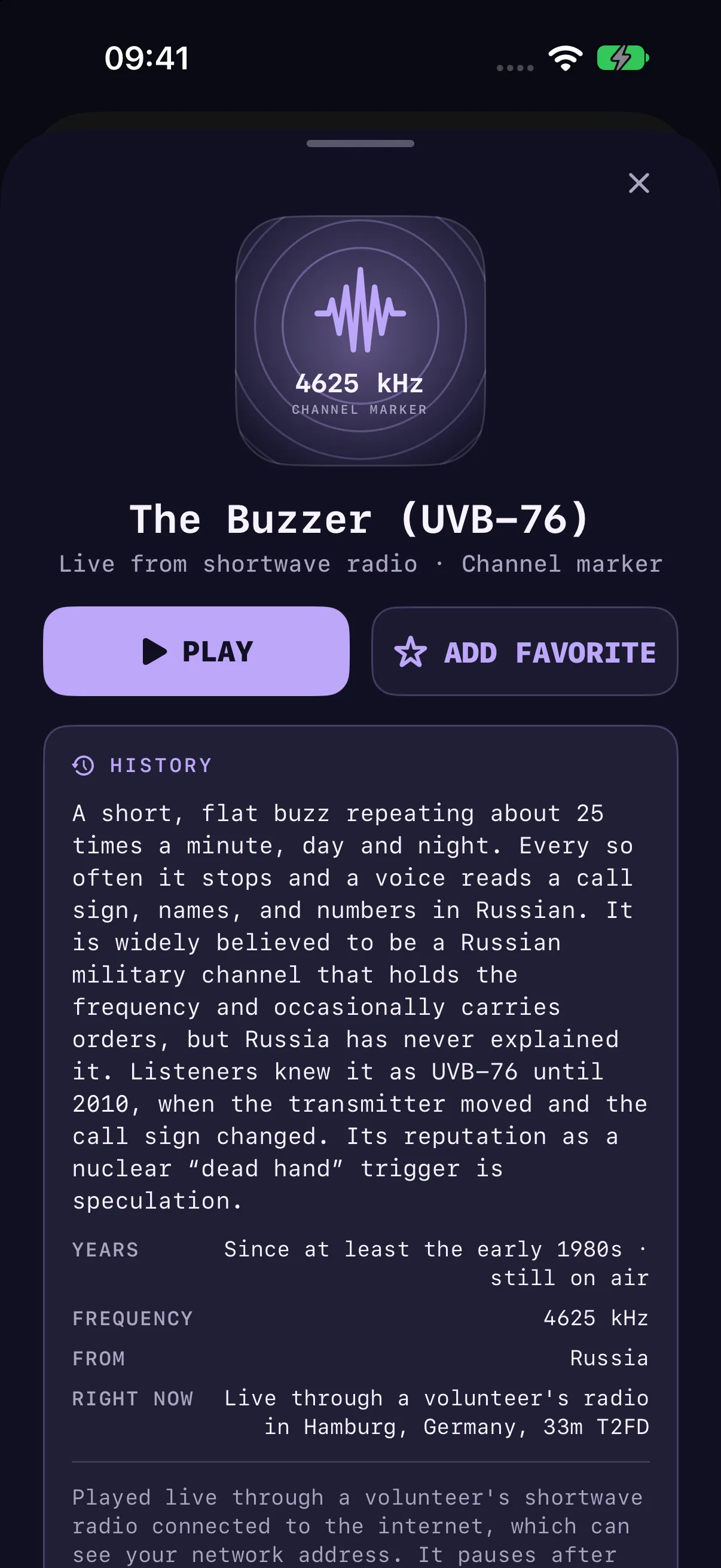
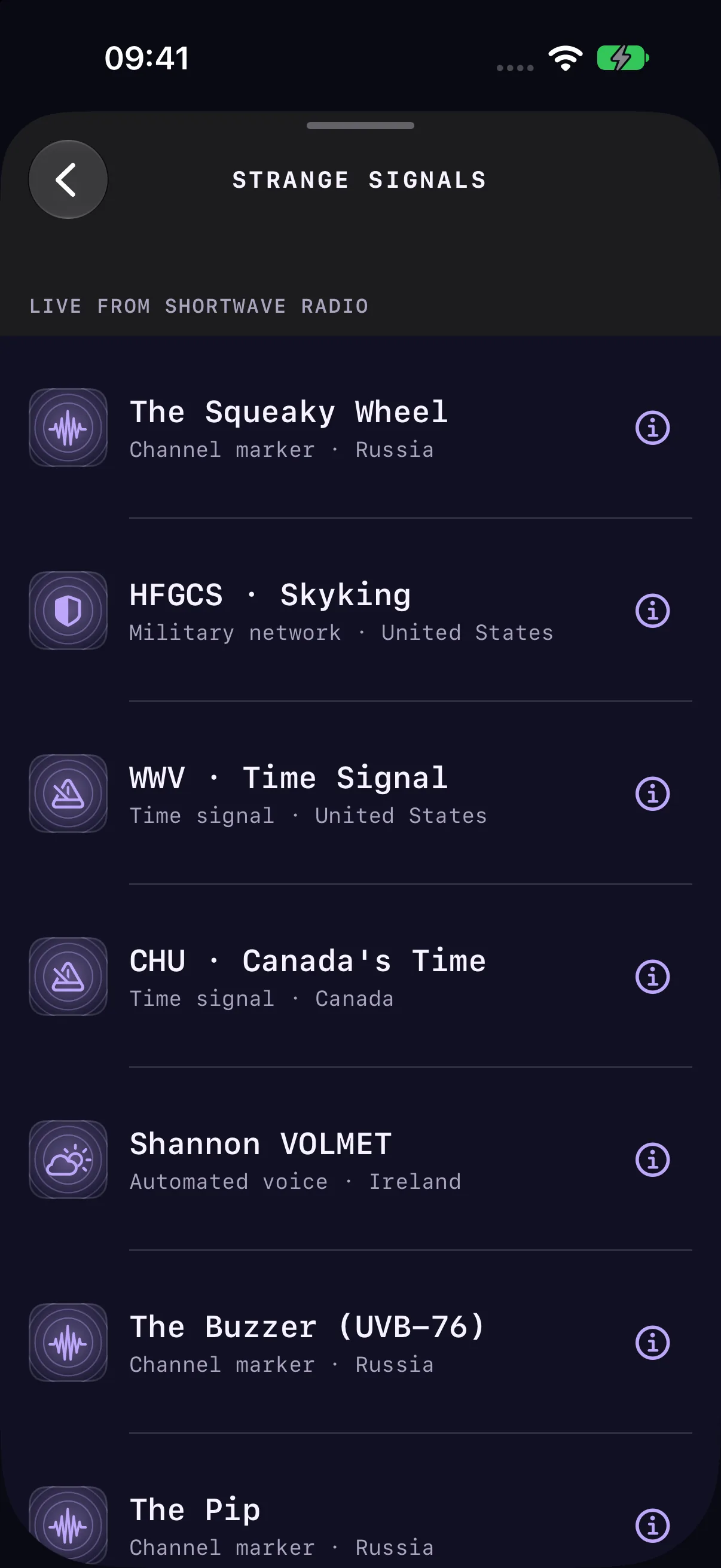
Number stations, channel markers, and time signals, tuned live through volunteers’ shortwave radios, each with the story behind it.
A closer look / FieldRADIO
Choose a station far away, and the globe pulls back until both places are in view, turns, and closes in on the new one, with the stations around it lit up.
A closer look / FieldRADIO
Strange signals gathers odd broadcasts from the shortwave bands, such as The Buzzer, a flat buzz that has repeated day and night since at least the early 1980s. Signals still on the air play live through a volunteer’s receiver; the rest are archive recordings, labeled as such.
A closer look / FieldRADIO
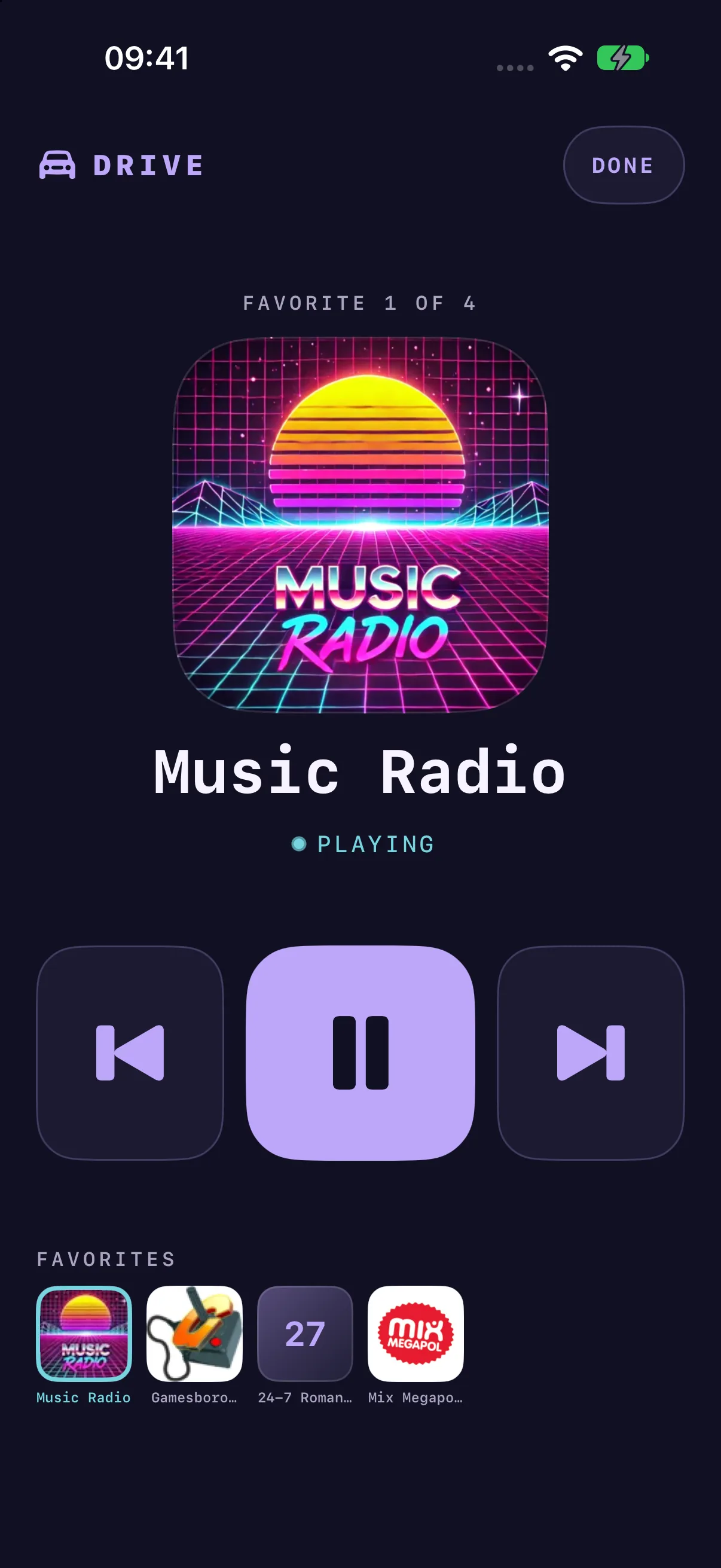
Drive mode puts the station on air, Previous, Play, and Next, and your favorites on one screen, with buttons large enough for the dashboard. The screen stays on while it shows.
In the picture
Your next discovery
Something good is on its way. Release details will appear here when FieldRADIO is ready.
The app discovers internet radio through the Radio Browser directory and connects to station streams.
A small collection of odd broadcasts: number stations, channel markers, time signals, and other curiosities, each with a short history. Those still on the air play live through public shortwave receivers whose owners allow it. Those that have gone quiet play from archive recordings.
Drive mode shows the station on air, large playback buttons, and your first six favorites on one screen, and keeps the screen on while it is open.
Live radio needs an internet connection. A saved station list does not make its broadcasts available offline.
Stations can change their stream addresses, go offline, or restrict access. Try another station and check your connection.