Start with your own collection.
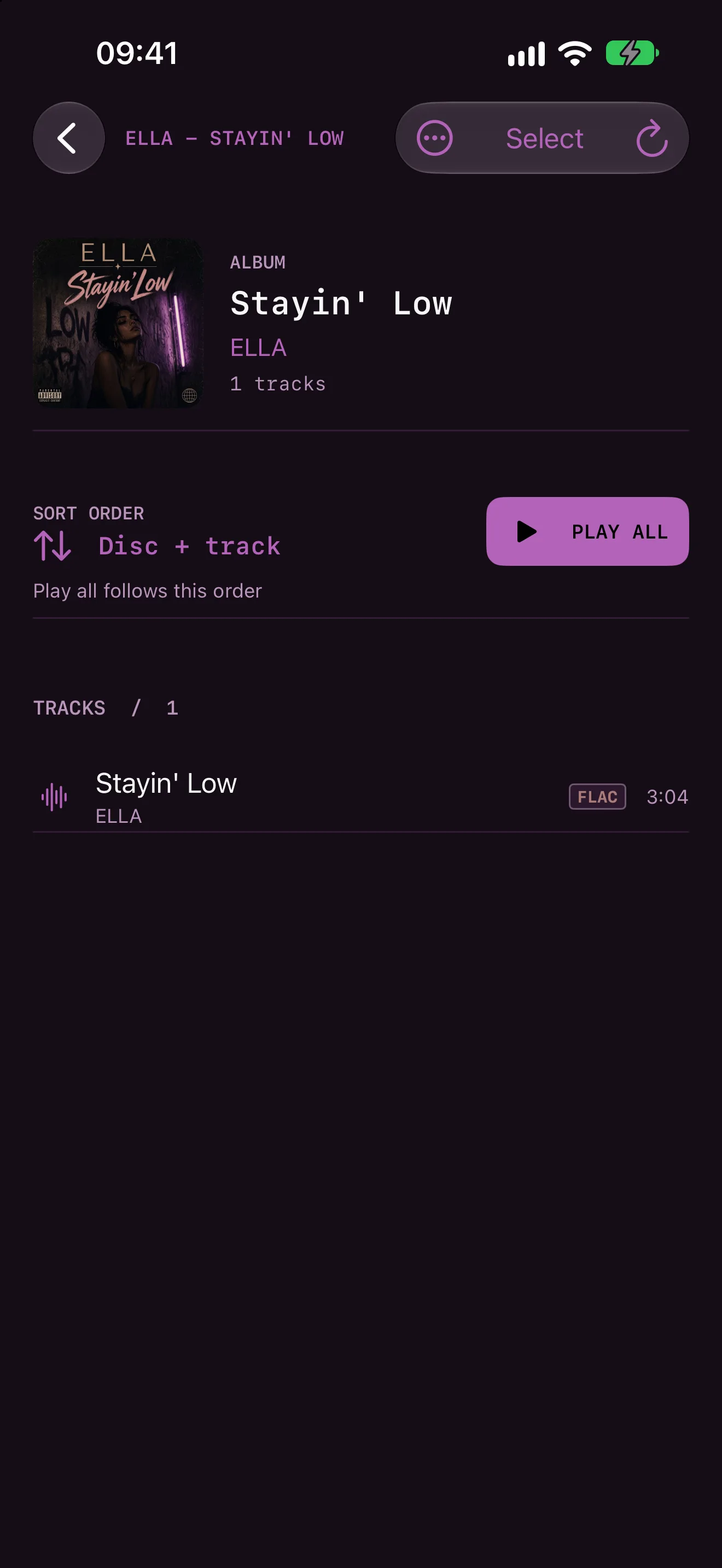
Add music folders through Files. Your albums show up with their covers, ready to play.
NITELOAD / Your music, in motion
A player for the music you already own. Open your folders, settle into an album, and watch your favorite tracks take shape.
A closer look / NITELOAD
A 25-second look at NITELOAD: start with your albums, pick what goes on the mixtape, and watch it wind while it plays.
A little closer
Add music folders through Files. Your albums show up with their covers, ready to play.
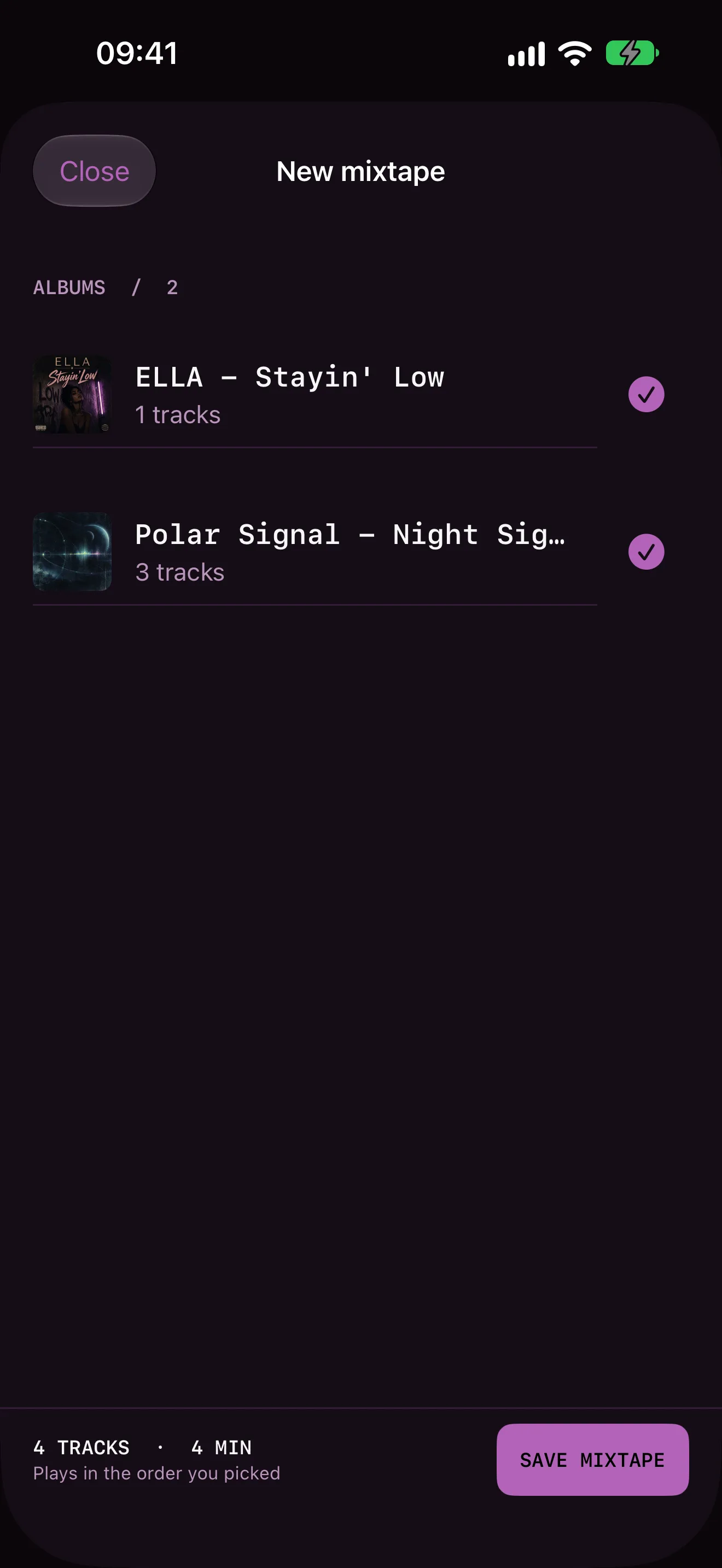
Take whole albums or single tracks in the order you want them. NITELOAD keeps that order when it plays.
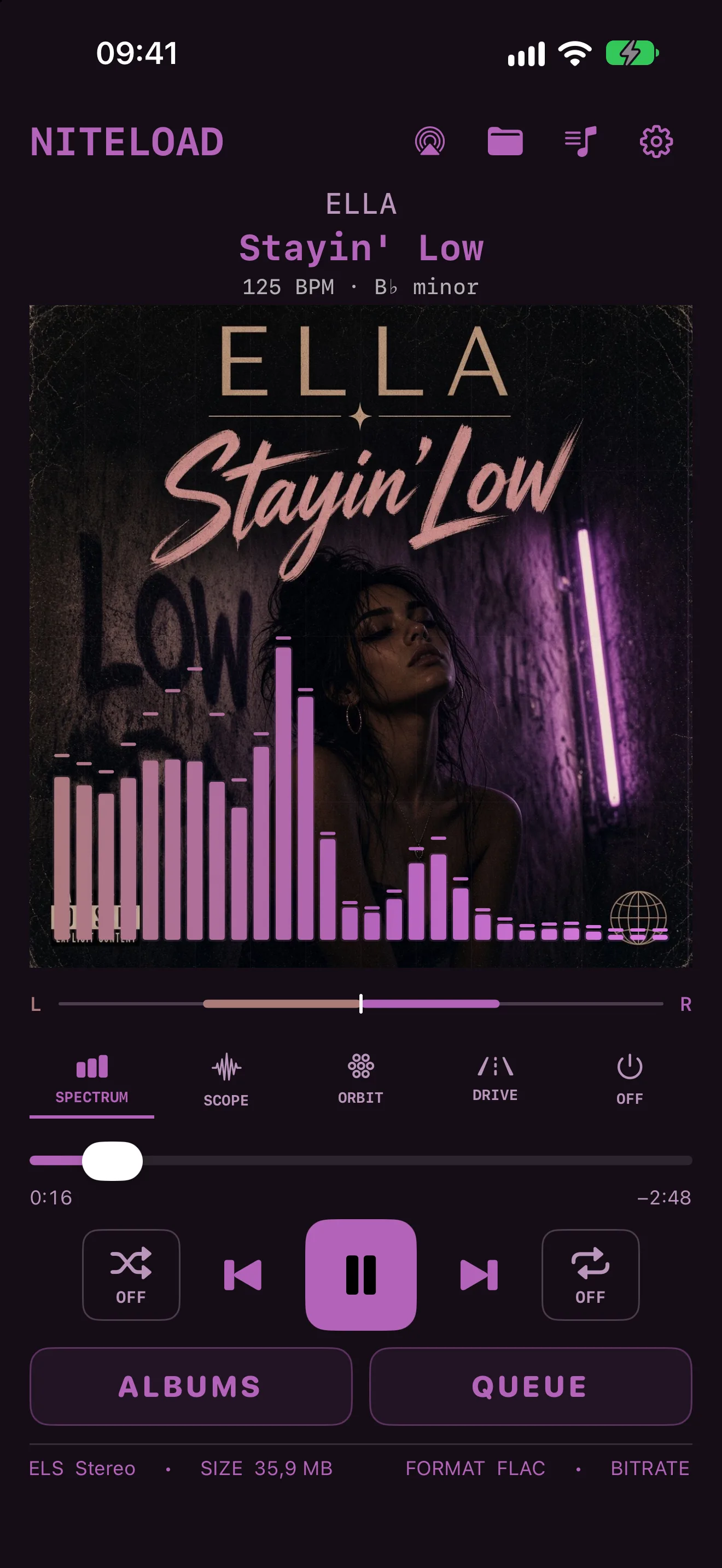
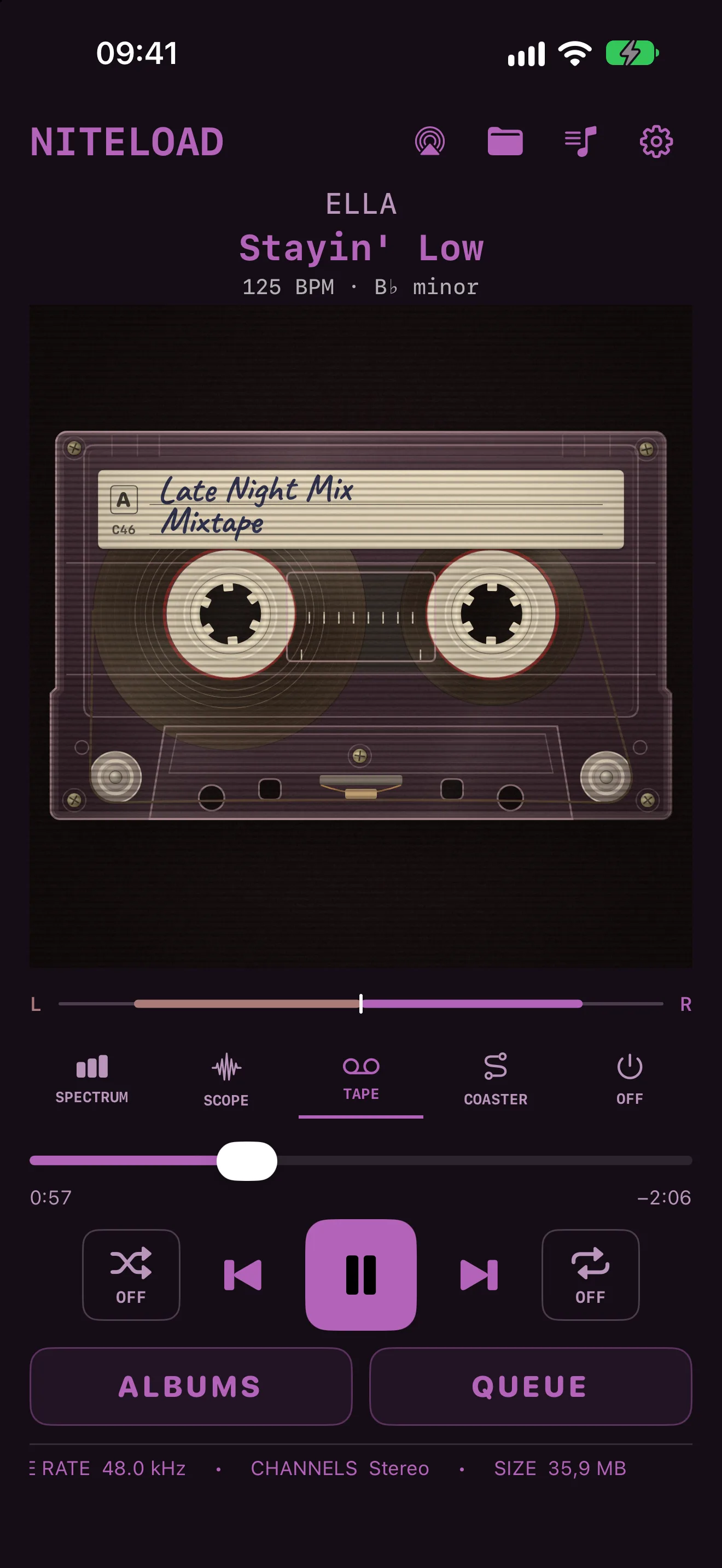
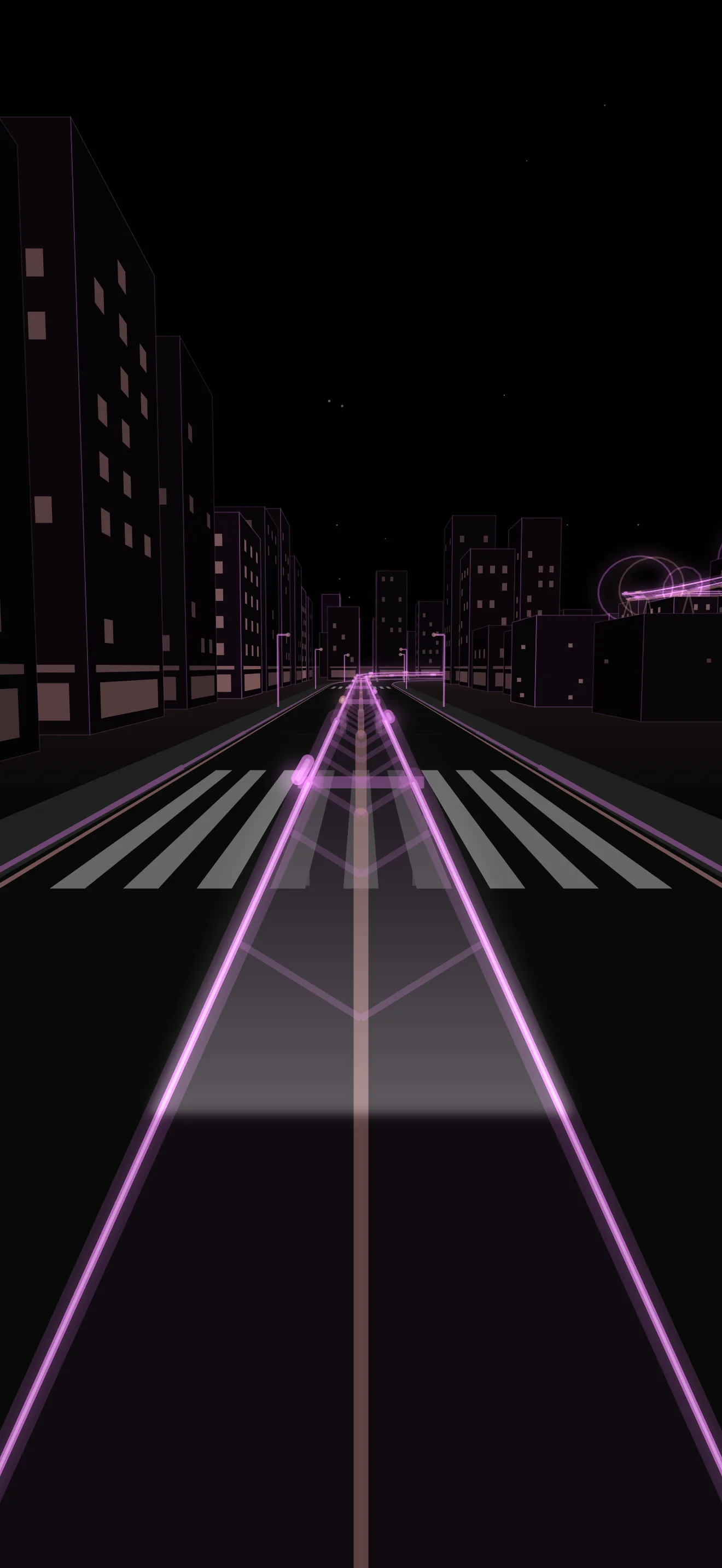
Choose a visualizer that moves with the music, from simple bars to a cassette with your mixtape's name on the label or a night ride on a roller coaster.
Your album list and queue open at the row where you left them, even after you close the app.
A closer look / NITELOAD
Every visualizer follows the same music: Spectrum, Scope and Orbit over the cover, a moving sea, a synthwave night drive, a 16-bit road race, a light-cycle race on a neon grid, a side-scrolling shoot-'em-up, a roller coaster and a cassette that winds. Here all ten play the same chorus, one after another.
In the picture
Your next discovery
Something good is on its way. Release details will appear here when NITELOAD is ready.
NITELOAD plays audio files in folders you select through Files. You bring the music collection.
Yes. Start a new mixtape on the Playlists screen, take whole albums or single tracks, and save it under your own name.
No. Removing a folder from the app removes its library entries, not the original files.
Yes. Files stored only in iCloud may need to download before playback, so keep an internet connection available.