Time at a glance.
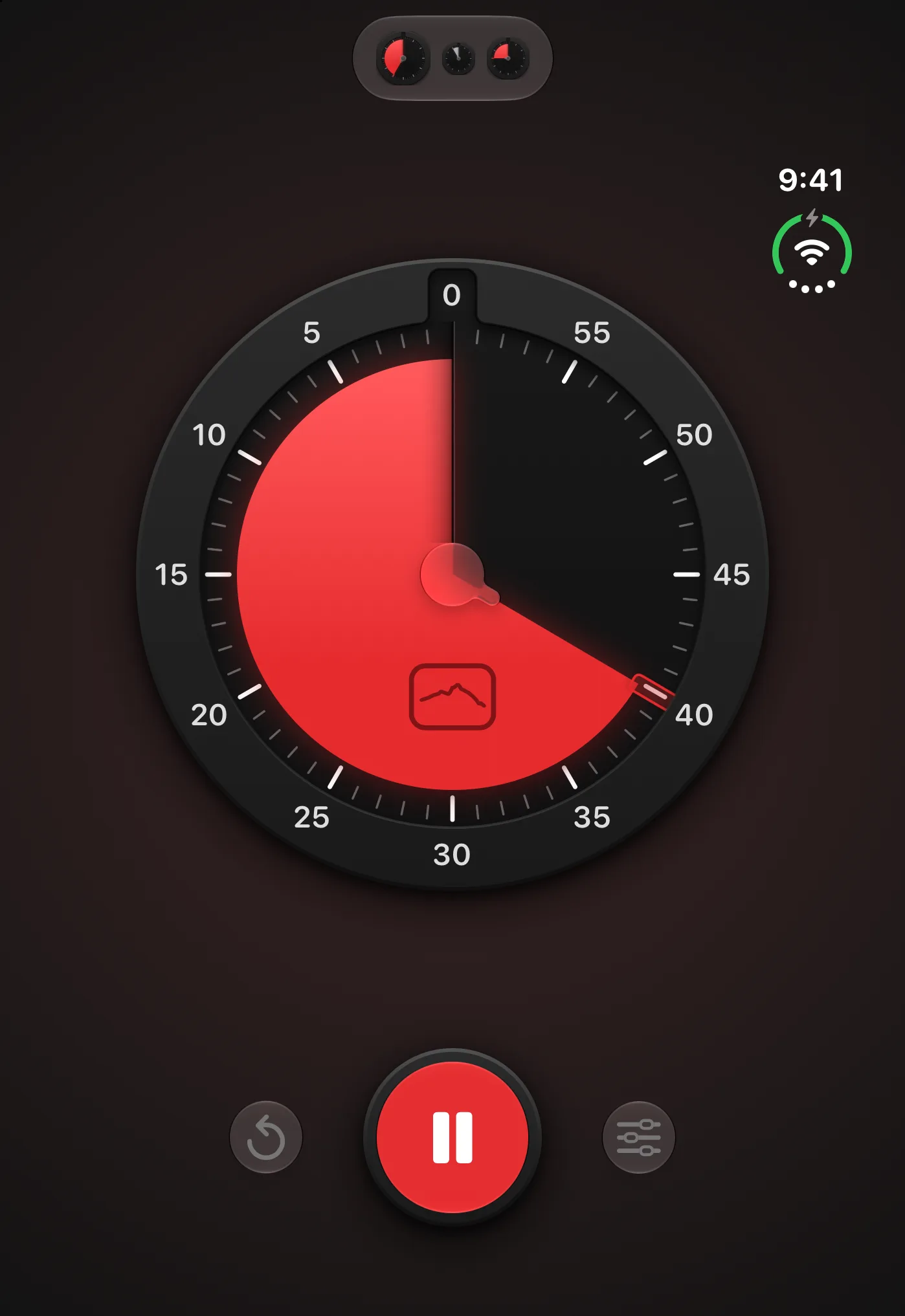
Modeled on the classic visual timer: a disc set in the dial that slips away as time runs out. No digits to read, nothing to work out.
Polar Timer / A visual timer for focus and rest
Set a little time for focus or rest. Watch the disc slowly disappear, and see what’s left at a glance.
iPhone, iPad and Apple Watch

A closer look / Polar Timer
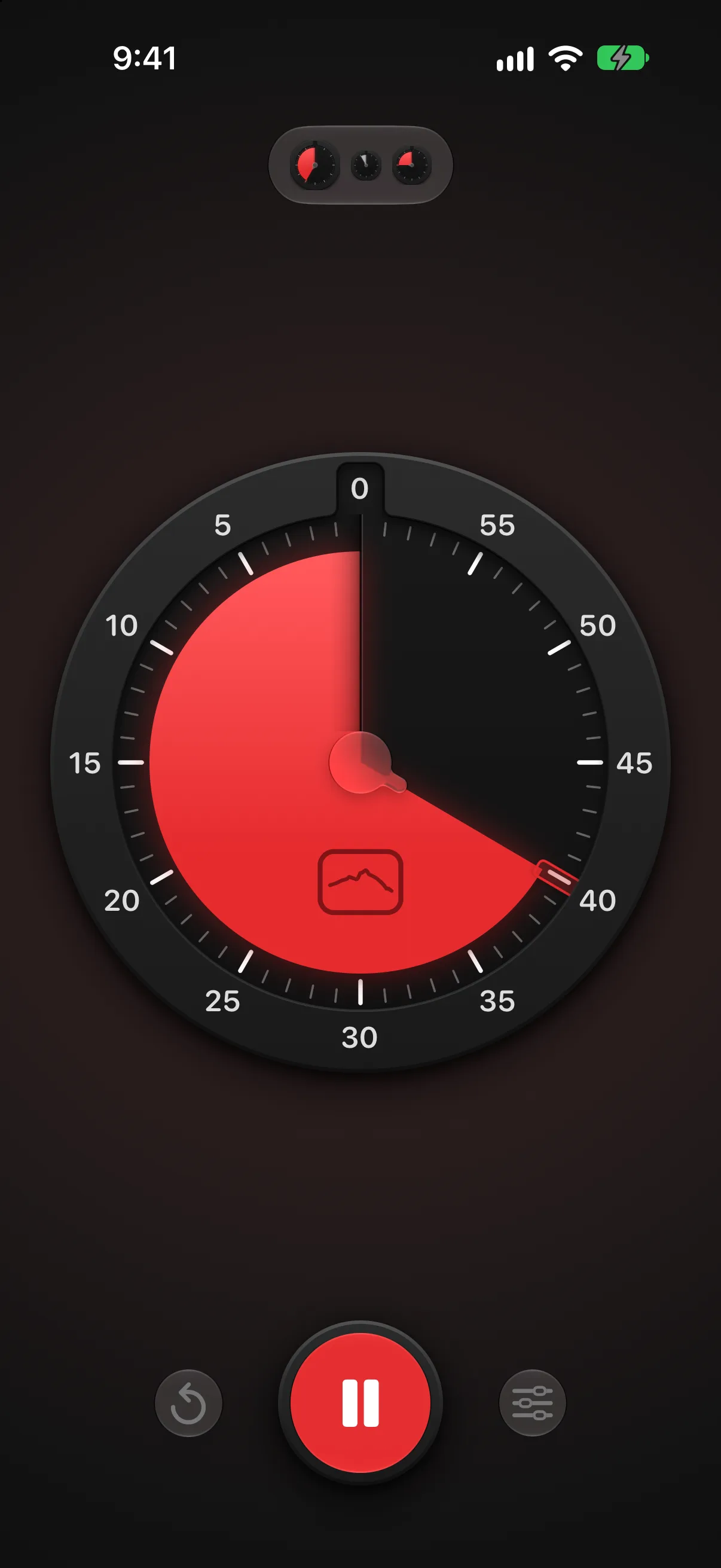
One calm screen: the dial, a play button with two small controls beside it, and your schedules a tap away. The colored disc slips quietly under the face as time passes, over a background tinted with your color. Red and orange come with the app, and Polar Timer Pro adds green, blue and purple. Light or dark follows your iPhone.
A little closer
Modeled on the classic visual timer: a disc set in the dial that slips away as time runs out. No digits to read, nothing to work out.
Find a rhythm for work and breaks. Choose a ready-made schedule or make your own.
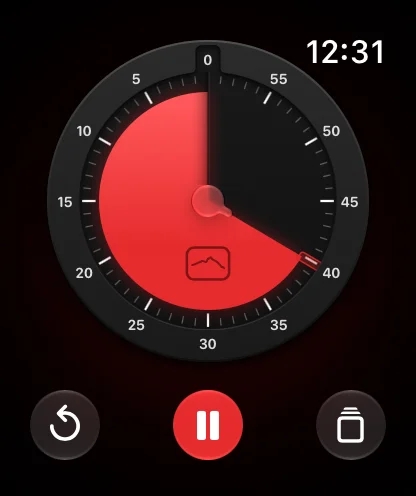
On the Lock Screen, in the Dynamic Island, in widgets and on Apple Watch, where your wrist and your iPhone share the same timer. Silent mode uses taps and a soft pulse instead of sound.
For most of us, a shrinking disc is easier to take in than numbers counting down. Many people with ADHD or other neurodivergent ways of thinking use visual timers to get started, see time passing, and move on when it ends.
A closer look / Polar Timer
Slide your finger around the dial, and the disc follows with a light tap for every minute you pass. Let go, and the timer starts right away. A turn and a release is all it takes.
A closer look / Polar Timer
Unfold iPhone Duo and your schedules sit beside the dial. Start one with a tap and keep the time in view while you work. An iPad turned on its side shows the same two panes.
In the picture
Your next discovery
iPhone, iPad and Apple Watch
No. Timers and schedules stay on your devices, and Polar Timer does not track you.
Many people with ADHD and other neurodivergent people find time easier to manage when they can see it. Polar Timer is built around that idea, with a disc instead of digits and a calm screen with little else on it. It is a timer, not a medical or therapeutic tool.
Polar Timer is free to download, with the timer, the Pomodoro schedule and the widgets included. Polar Timer Pro, a one-time in-app purchase, adds the other ready-made schedules, schedules of your own and three more colors. There is no subscription, and Family Sharing lets everyone in your family group use Pro.
Yes. Your iPhone and Apple Watch share one timer: start, pause or reset it on either, and the other follows. Your iPhone sounds the alarm and passes it to your wrist, so it rings once.
Yes. In silent mode each change is signaled with haptic taps and a pulse on screen, and the screen can stay on while the timer runs.
An iPhone or iPad with iOS 26 or later. The Apple Watch app needs watchOS 26 or later.
English, Swedish and 21 more European languages: Catalan, Croatian, Czech, Danish, Dutch, Finnish, French, German, Greek, Hungarian, Italian, Norwegian, Polish, Portuguese, Romanian, Russian, Slovak, Slovenian, Spanish, Turkish and Ukrainian. It follows your iPhone's language.