A small world, in focus.
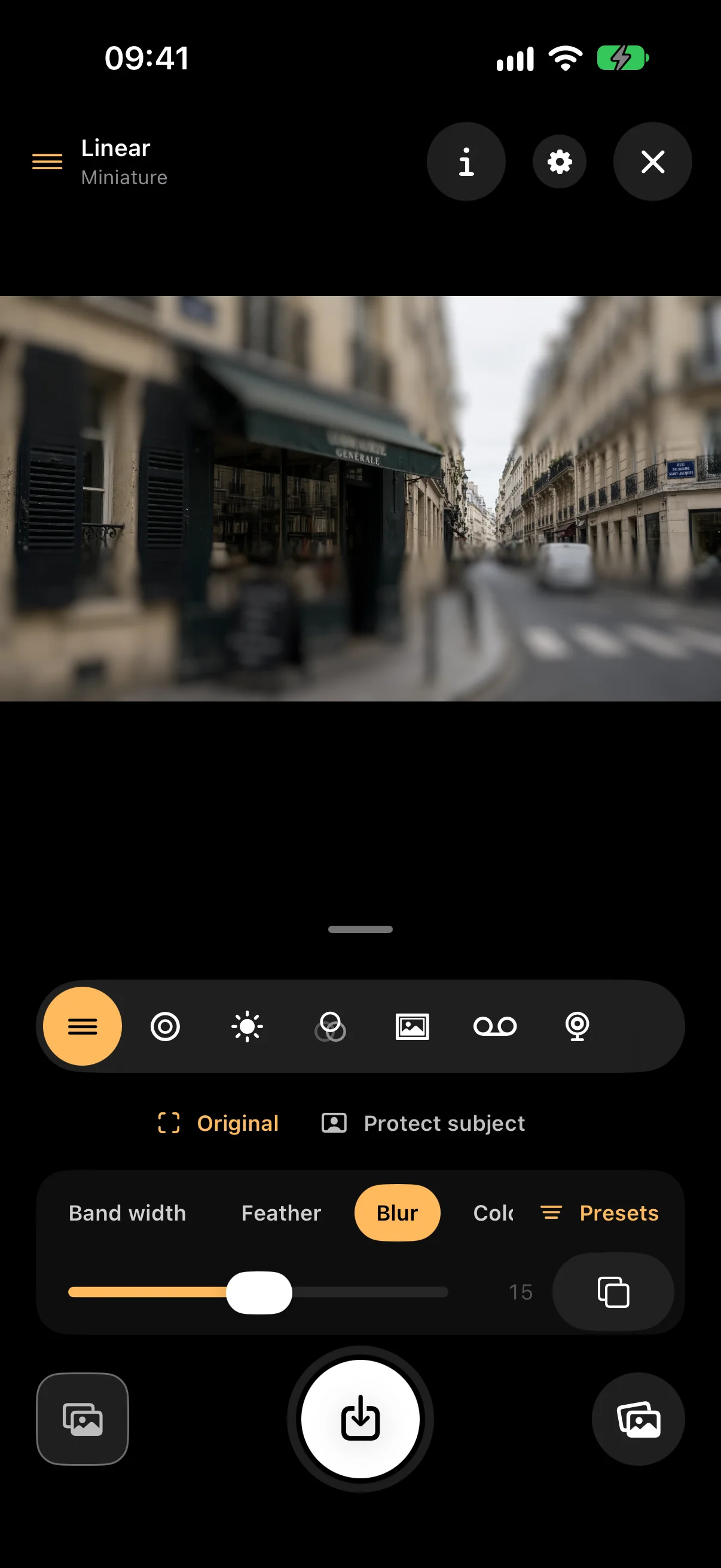
Move and turn a sharp band or ellipse through the picture, and let the rest soften like a model village. Protect subject keeps a person or nearby object sharp on cameras that sense depth.
Small Hours / A camera with looks from film, tape, and tilt-shift
Make a street look like a miniature, give a photo soft film color, or record it like an old home video. See the look as you frame, or bring in a photo you already have.
A little closer
Move and turn a sharp band or ellipse through the picture, and let the rest soften like a model village. Protect subject keeps a person or nearby object sharp on cameras that sense depth.
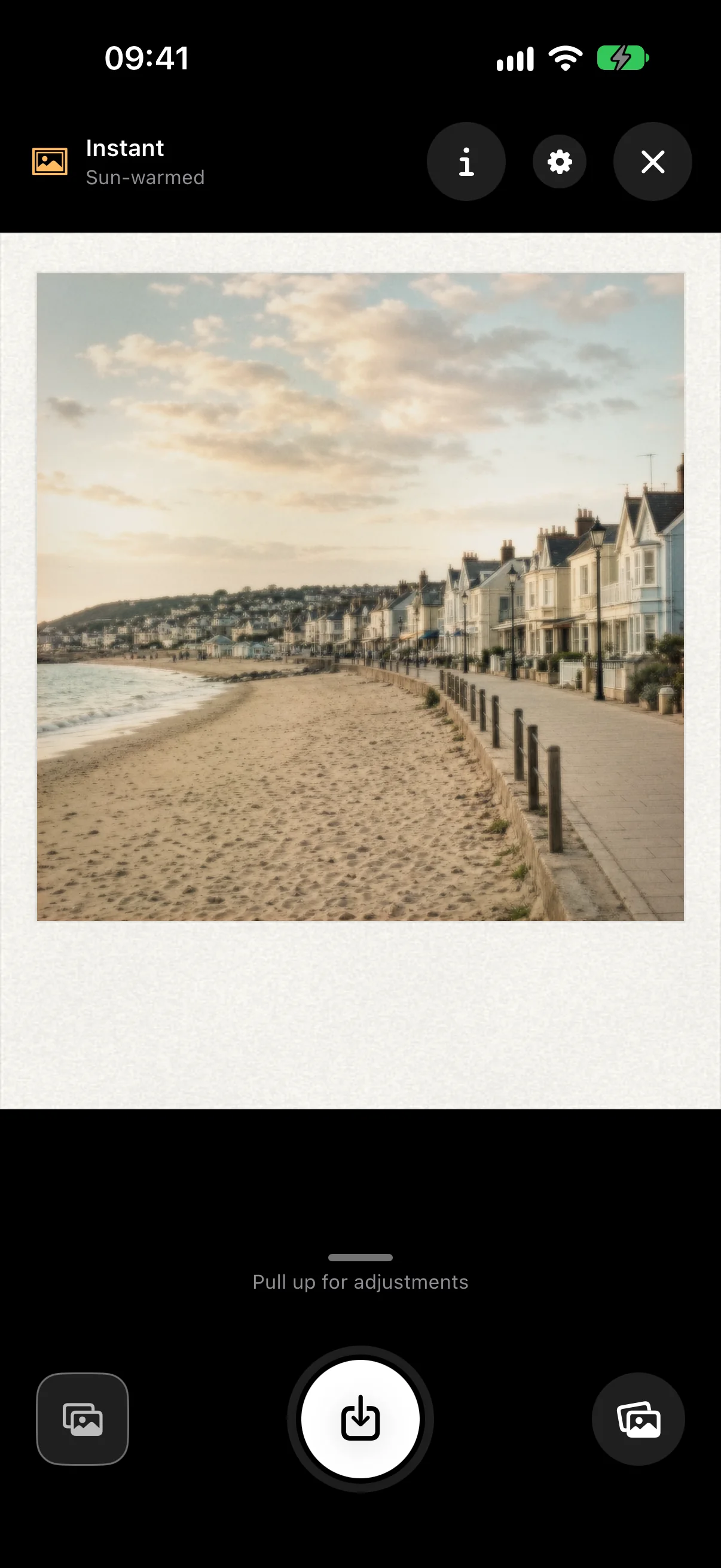
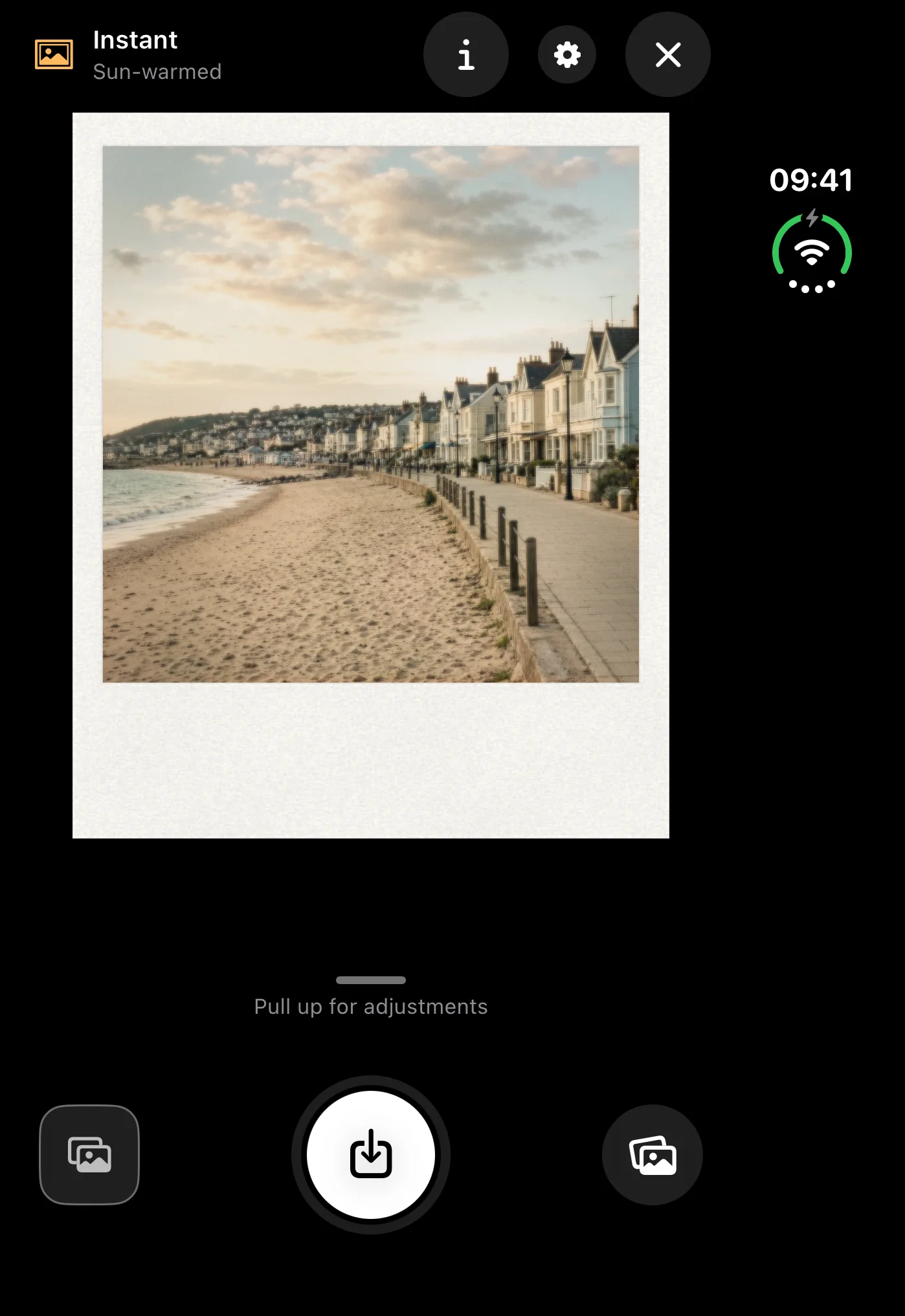
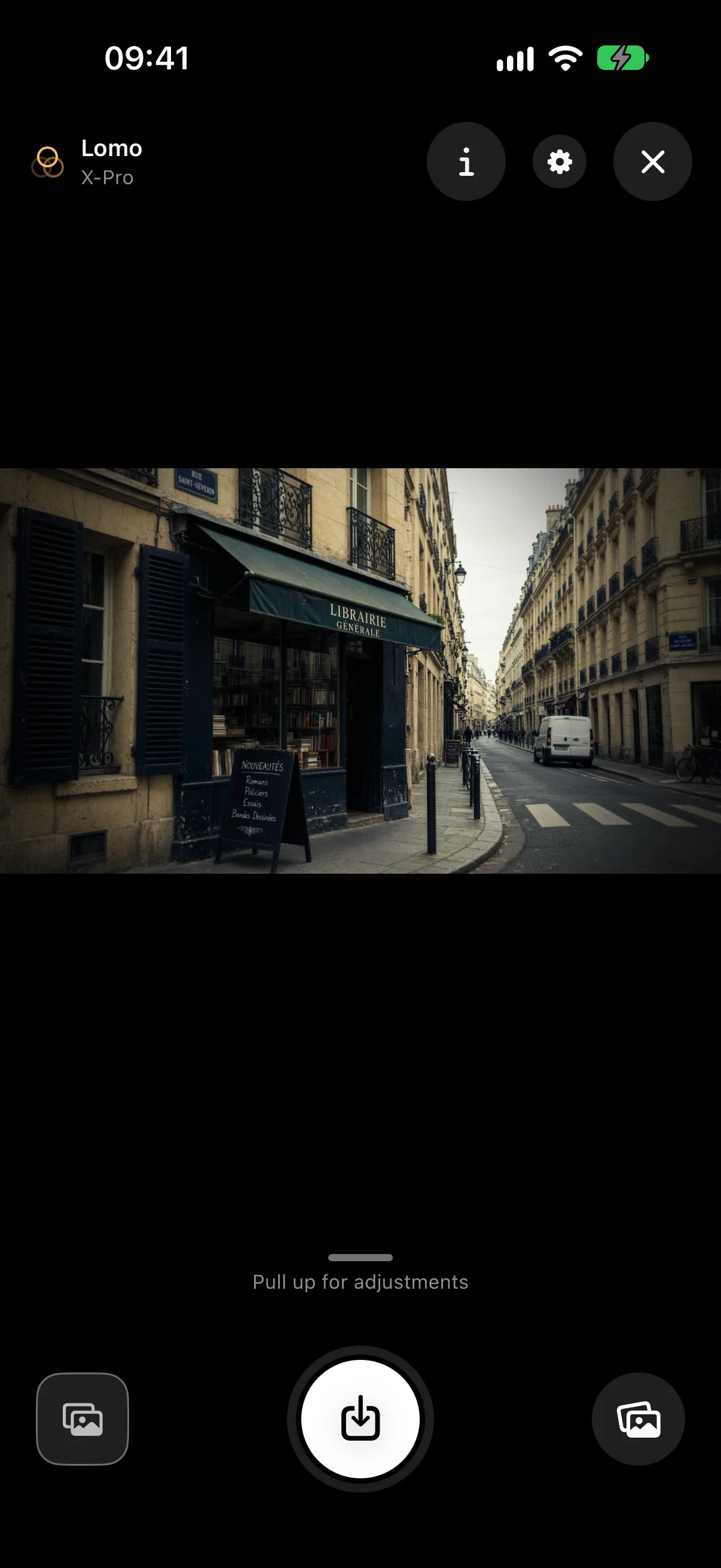
Warm halation around lights, Lomo-style cross processing and grain, or a square Instant print on textured paper. Start from a preset, adjust it, and save it as your own look.
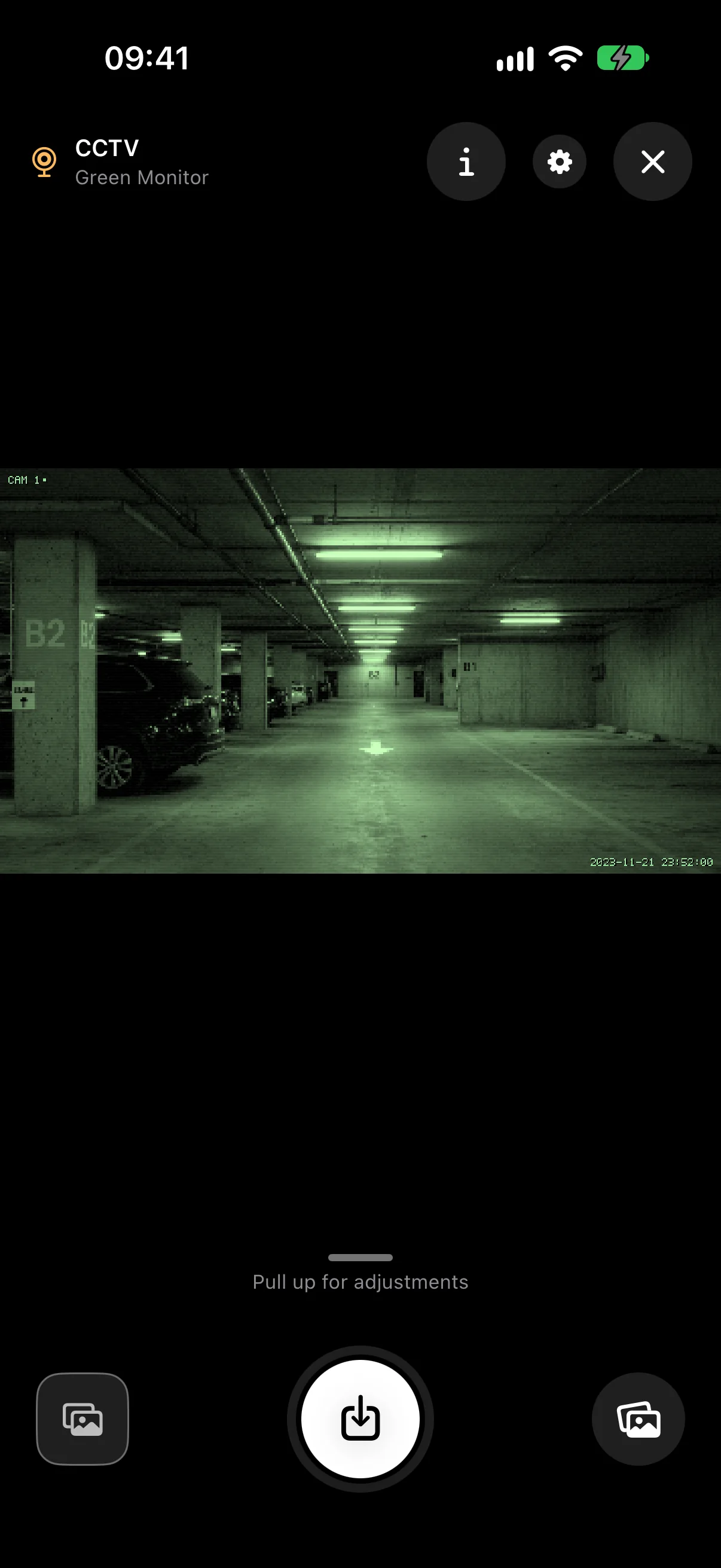
MiniDV, VHS, and CCTV looks work for photos and video, with an optional camcorder display and date. Recordings include sound when you allow the microphone.
In the picture
Your next discovery
Something good is on its way. Release details will appear here when Small Hours is ready.
Photos and videos with a look applied while you frame, or new versions of photos you already have. There are seven looks: Linear and Radial Tilt-Shift, Analog Halation, Lomo LC-A, Instant Film, MiniDV, and Liminal CCTV. VHS is a tape format inside MiniDV.
MiniDV, VHS, and CCTV record video as well as photos. The look, and any camcorder display or CCTV label you have turned on, are part of the recording.
No. The sharp band or ellipse works on any camera. Protect subject uses depth to keep a chosen subject and anything nearer sharp, so it depends on your iPhone and the selected camera.
No. Small Hours has no sign-in and no analytics. Pictures are processed on your iPhone and saved to your Photos library.
The development app runs on iPhone with iOS 18 or later, in portrait and landscape. On iPhone Duo, the viewfinder and controls adapt to the larger display and the fold. Supported devices will be confirmed before release.
Pricing and any optional purchases have not been announced. Details will be confirmed here before launch.