Let the song lead the edit.
Build a video around the rhythm and energy of your music, with cuts that follow the beat.
NITECut / Music into moving pictures
Turn a song, video clips, and photos into a music video that follows the beat. Shape the look, add lyrics, and make something ready to share.
A little closer
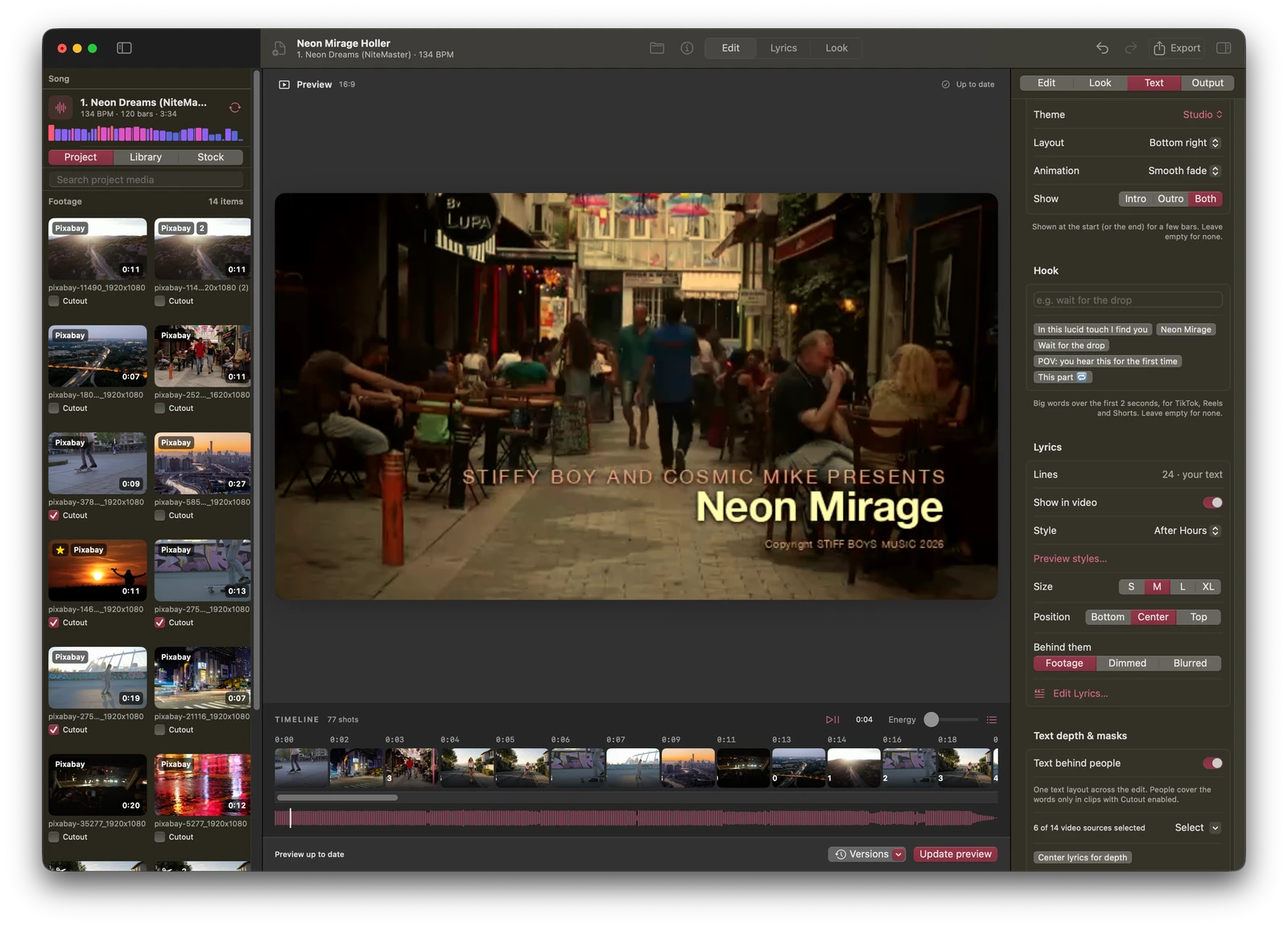
Build a video around the rhythm and energy of your music, with cuts that follow the beat.
Bring your own clips and photos, then add timed lyrics, titles, color looks, and film textures.
Create music videos, vertical shorts, release teasers, and Spotify Canvas loops from your project.
Your next discovery
Something good is on its way. Release details will appear here when NITECut is ready.
The current development app requires an Apple silicon Mac running macOS 15 or later. Final release requirements will be confirmed before download.
Yes. Add your video clips and photos, import from Photos, or search Pixabay for stock footage.
A public download and pricing have not been announced. Release details will appear here when the app is ready.